
Download RotatorSurvey – survey tool, research data, data collection, questionnaire builder, data analysis, data entry, research assistant, survey platform, data management, survey design
Overview
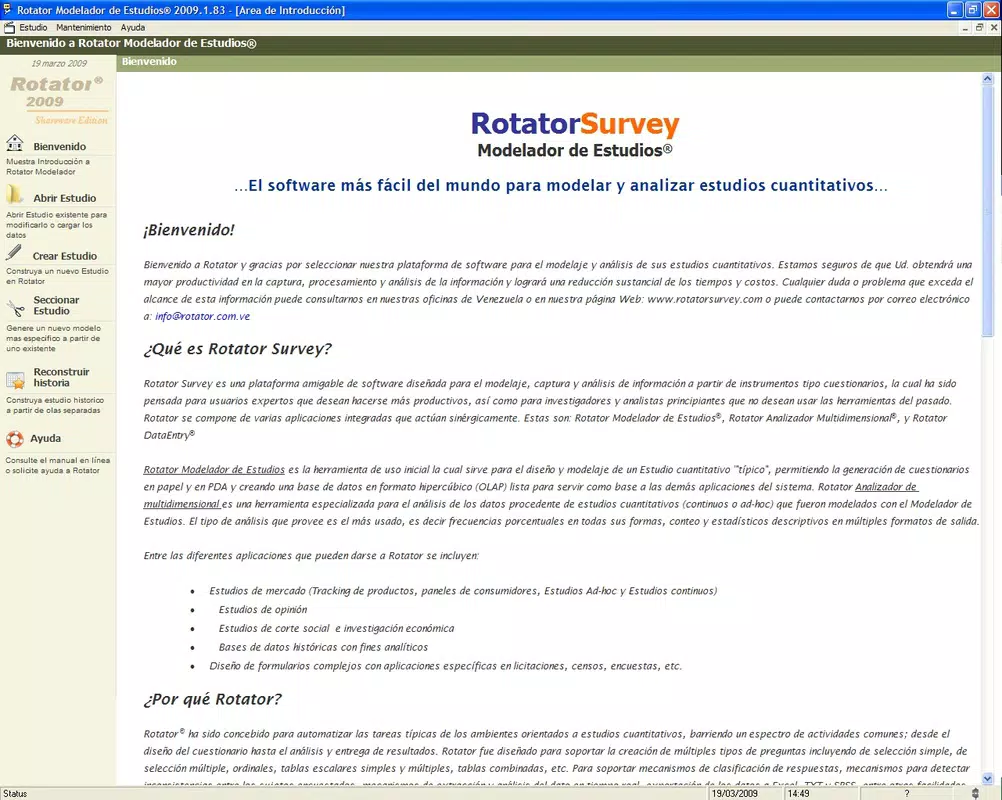
RotatorSurvey is a mobile application designed to support users engaged in research activities, particularly those new to the field. The app provides a streamlined platform for creating, managing, and analyzing surveys, addressing common challenges in data collection and interpretation. Its core purpose lies in simplifying the research workflow by integrating multiple functions—questionnaire creation, data entry, and analysis—into a single accessible environment. This makes it especially valuable for students, educators, and independent researchers who require reliable tools without the complexity of professional-grade software.
The app caters to individuals who need to gather structured information efficiently, whether for academic projects, market insights, or internal assessments. By offering a user-friendly interface and a cohesive suite of tools, RotatorSurvey reduces the technical barriers typically associated with research tasks. The developer, Rotator, has positioned the app as a comprehensive solution for early-stage researchers seeking a practical, all-in-one platform. Although specific details about the developer’s background are not available, the app’s long-standing presence since its release on August 31, 2012, indicates a stable and maintained product.
Real-world use cases include classroom surveys, community feedback collection, and preliminary data gathering for studies. Its integration of design, data capture, and analysis functions supports a continuous workflow, enhancing productivity. In the broader app ecosystem, RotatorSurvey fills a niche for lightweight, focused tools that prioritize usability over advanced customization, making it a relevant option for users who value simplicity and functionality in research-related tasks.
Key Features & Functionality
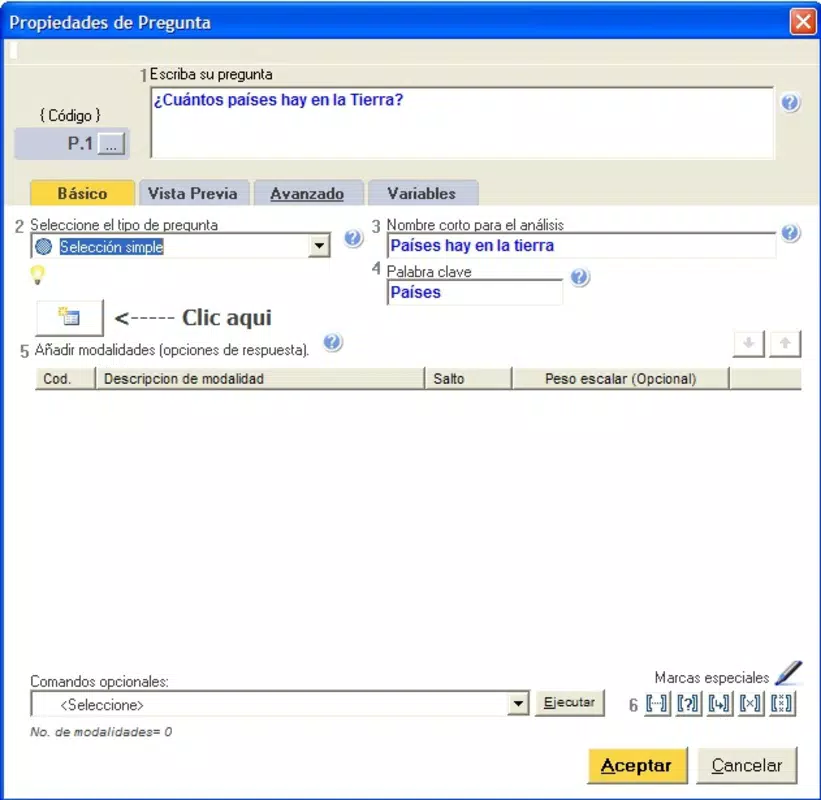
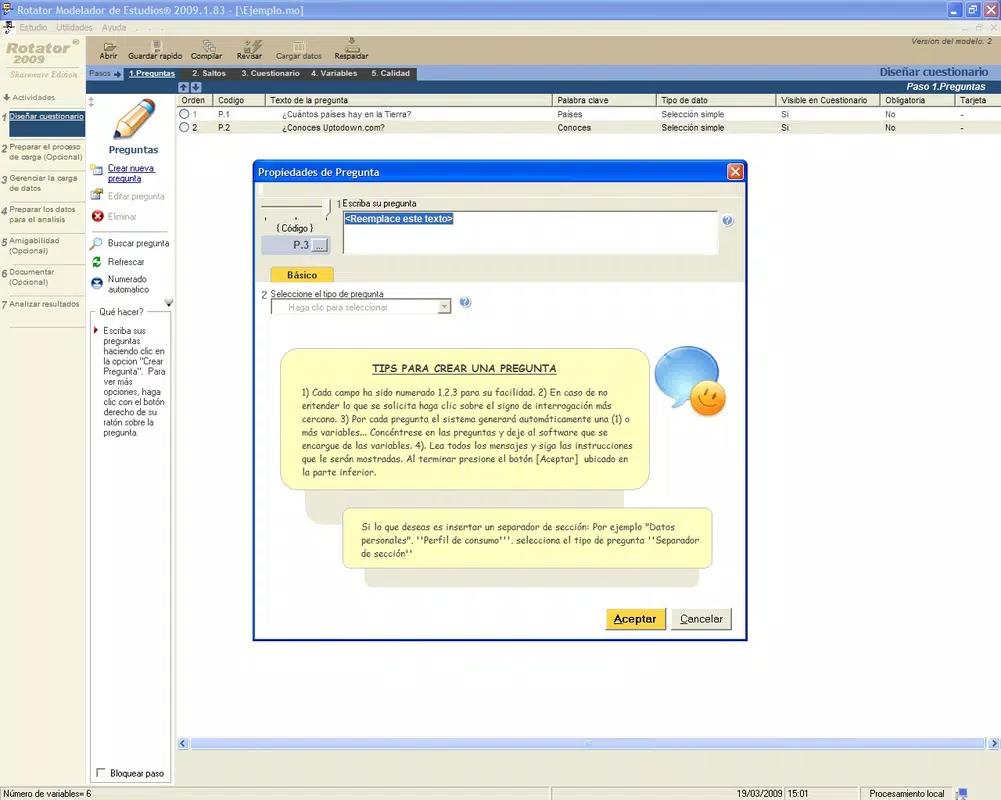
- Comprehensive Questionnaire Creation: Users can design a variety of surveys using simple, multiple-choice, and numerical question formats. This flexibility allows for tailored data collection across different research contexts, from educational assessments to user feedback.
- Integrated Data Analysis: The Rotator Multidimensional Analyzer enables users to interpret survey results directly within the app. This feature supports trend identification and insight generation, reducing the need for external tools and simplifying the analytical process.
- Quick Data Entry Tool: Rotator DataEntry streamlines the digitization of survey responses, allowing for rapid input of completed forms. This functionality is particularly useful when managing large datasets, significantly cutting down on manual data entry time.
- User-Friendly Interface: All components of the RotatorSurvey suite operate within a unified interface, ensuring smooth transitions between tasks. This cohesive design minimizes cognitive load and supports a consistent user experience, ideal for beginners entering the research domain.
For example, a university student conducting a campus satisfaction survey can use the questionnaire builder to create targeted questions, collect responses via the data entry tool, and immediately analyze results using the built-in analyzer. This end-to-end workflow enhances efficiency and supports timely decision-making. The integration of these tools within one platform reduces the risk of data loss and improves workflow continuity, making RotatorSurvey a practical choice for users focused on execution rather than technical setup.
Interface, UX & Performance
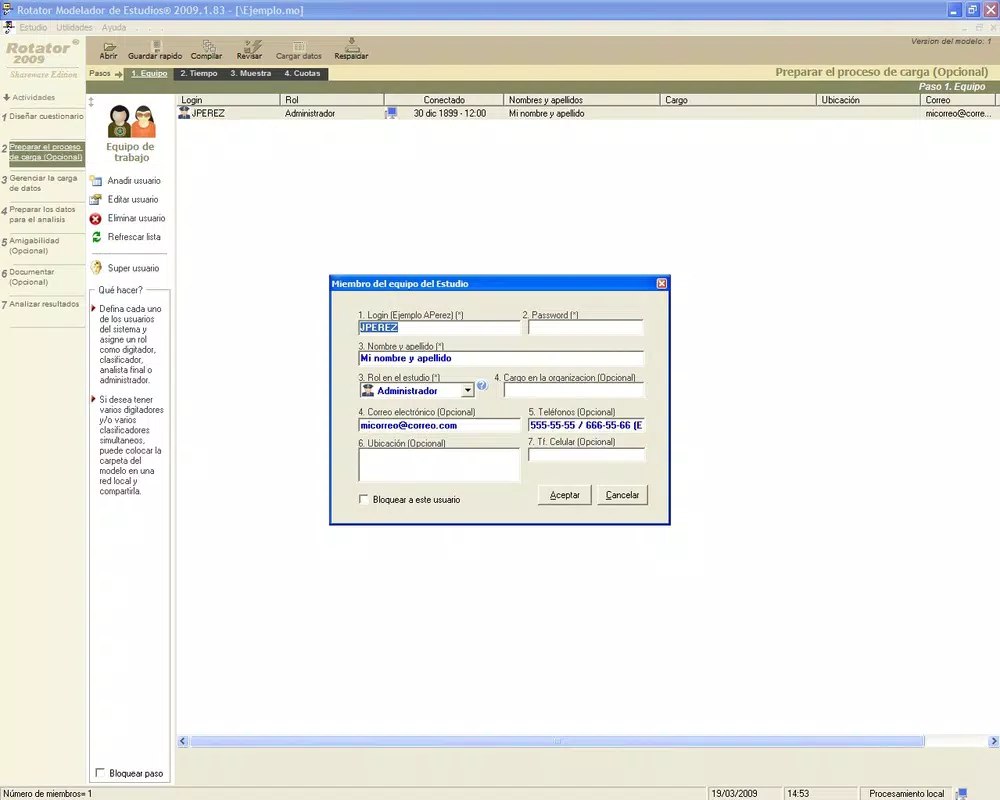
The user interface of RotatorSurvey reflects a clean, functional design optimized for usability. Navigation appears to be linear and intuitive, with clearly labeled sections that guide users through each stage of the research process. The visual layout emphasizes accessibility, using consistent icons and minimalistic elements to avoid clutter. This approach supports efficient task completion, particularly for users unfamiliar with research software.
Although the developer did not list formal performance metrics, the app’s lightweight size of 15.0 MB suggests it is optimized for smooth operation on a wide range of Android devices. Users can expect responsive interactions, with minimal lag during form creation, data input, and analysis. The app’s stability appears reliable, given its long-standing availability since 2012, indicating ongoing maintenance and updates.
Performance across different device categories—such as entry-level smartphones and mid-range models—can be assumed to be consistent due to the app’s modest file size and straightforward functionality. However, specific requirements for RAM, processor, or battery usage were not disclosed. The app’s interface remains accessible and usable without requiring advanced hardware, making it suitable for users with older or budget devices. Overall, the UX design prioritizes clarity and ease of use, aligning with its target audience of novice researchers.
Platform Compatibility & Technical Requirements
RotatorSurvey is available exclusively on the Android platform. The current software version is 1.0, and the app has a file size of 15.0 MB. This lightweight footprint indicates that the app is designed for efficient deployment and minimal storage impact.
The developer did not specify minimum OS requirements or compatibility details beyond the platform. As such, users should verify device compatibility through official channels before installation. While the app has been available since 2012, it may not support the latest Android versions without updates. Users are advised to ensure their device meets current system standards to avoid potential issues. The absence of detailed technical specifications does not diminish the app’s utility but underscores the importance of caution when installing on modern or updated devices.
Pros and Cons
Pros
- Integrated suite of tools for survey creation, data entry, and analysis.
- User-friendly interface suitable for beginners and non-technical users.
- Lightweight design with minimal storage requirements (15.0 MB).
- Free to download and use, making it accessible to a broad audience.
- Long-standing presence in the market, suggesting reliability and stability.
Cons
- Specific OS compatibility and hardware requirements were not disclosed.
- Limited information about recent updates or development activity.
- Only available on Android, with no indication of iOS support.
- App version is listed as 1.0, which may suggest minimal recent enhancements.
- Limited visual customization options for surveys, potentially restricting design flexibility.
FAQ
Is RotatorSurvey safe to download and use?
Yes, the app is free and available through official Android channels. As with any mobile application, users should ensure they download from trusted sources to maintain security.
Can I use RotatorSurvey on iOS devices?
The app is currently available only on Android. There is no official information indicating iOS compatibility at this time.
How often is RotatorSurvey updated?
The developer has not provided details about update frequency. The current version is 1.0, and the last release date was August 31, 2012.
Does RotatorSurvey require internet access?
The app’s functionality may vary depending on the feature used. While some tasks like data analysis might be offline-capable, certain functions could require connectivity for updates or data synchronization. Specific details were not provided.
Is there a limit to the number of surveys I can create?
No information was provided about survey limits. Users can create multiple surveys based on the app’s internal capacity, which may be influenced by device storage and performance.
Final Thoughts
RotatorSurvey remains a relevant tool for individuals entering the research field, offering a straightforward, all-in-one solution for survey design, data collection, and analysis. Its lightweight nature, free access, and intuitive interface make it a practical choice for students, educators, and casual researchers. While the app lacks modern polish and detailed technical information, its core functionality continues to serve its intended purpose effectively.
For users who prioritize simplicity, cost-efficiency, and a seamless workflow, RotatorSurvey delivers real value. It stands out as a dependable utility in the productivity category, particularly for those managing small to medium-scale data collection projects. Despite its age and limited updates, the app’s foundational features remain functional and accessible.
Download RotatorSurvey now


